Parts, assemblies and tracking identifiers
An assembly can contain several parts, and its fabrication mark is not necessarily an individual identifier. Define what each tag identifies before printing. This prevents confusion between a part, an assembly occurrence and a logistics package.
From the IFC model to physical identification
Import model information and check it against workshop marks. QR codes or DataMatrix provide access to data when supported and correctly associated. The 3D view helps locate the item, but a physical identity check is still needed.
Maintain identification through fabrication and galvanizing
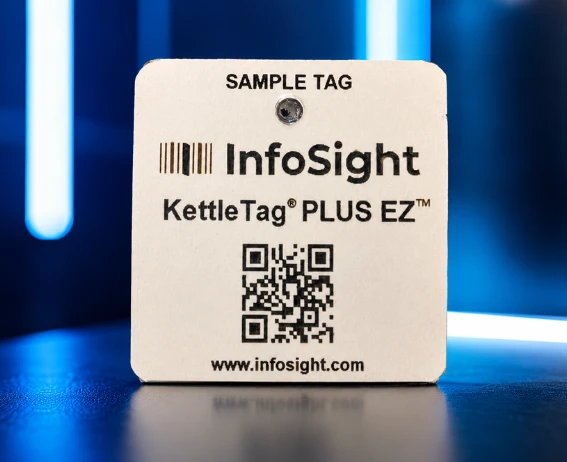
Identify items at the planned stage of fabrication. For galvanizing, select validated tag material and attachment, then check the returned steel. Suitable tags help retain the connection between project records and physical parts through treatment.
Hot dip galvanizing identification tags →
Check actual loads and deliveries
Reconcile loaded items with the expected list and keep discrepancies visible. Readable identification supports checks of packages or trucks at dispatch and receipt. A scan alone does not replace quantity checks or operator confirmation.
Erection and project history
On site, find the mark and its model position before recording progress. Retain the stages actually checked so the item history can be reviewed. Traceability relies on consistent identifiers and records throughout the workflow, not on a tag alone.