Prepare the project
Import IFC/Tekla data, check part marks and find parts and assemblies in 3D.
FROM DETAILING TO ERECTION
Connect model marks to parts in the workshop and on site. Find assemblies, their history and their position in the 3D model through the operations your teams record.
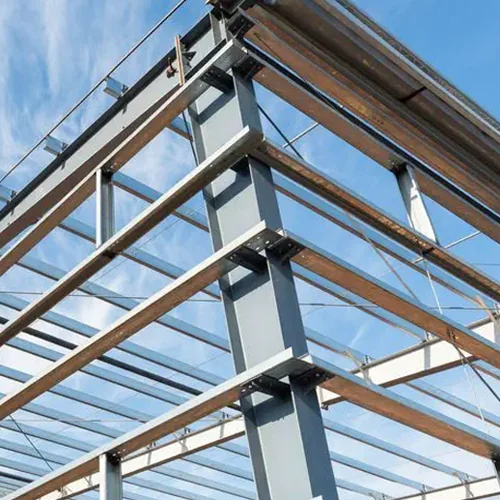
Import IFC/Tekla data, check part marks and find parts and assemblies in 3D.
Scanning retrieves the project element. Recorded operations support fabrication, galvanizing and delivery tracking.
Match the expected assemblies to the parts received and track erection using the functions described in the documentation.
Find its mark in the project, check its history and locate it in the model. Compare recorded operations with information from the workshop and subcontractor. Scanning provides access to tracking records; it is not automatic GPS positioning.
Explore the practical guidesThe tag ordering process is separate from the software: import your IFC without an account, select assemblies and prepare a quote request for InfoSight KettleTag PLUS EZ tags. No payment is taken at this stage.
Galvanizing-resistant tags: product and ordering · Tekla, Steel2Tag and tag preparation
Bring your part marks, workshop workflow, subcontracted stages and planned scanning points. We can review tracking for your project.
Request a demonstration