Identify
Connect a physical part to its project reference so it can be found throughout its journey.
Part identification
QR labels connect your steel parts to Fabbim. From initial identification to delivery, prepare a labelling approach suited to your parts’ journey and scanning conditions.
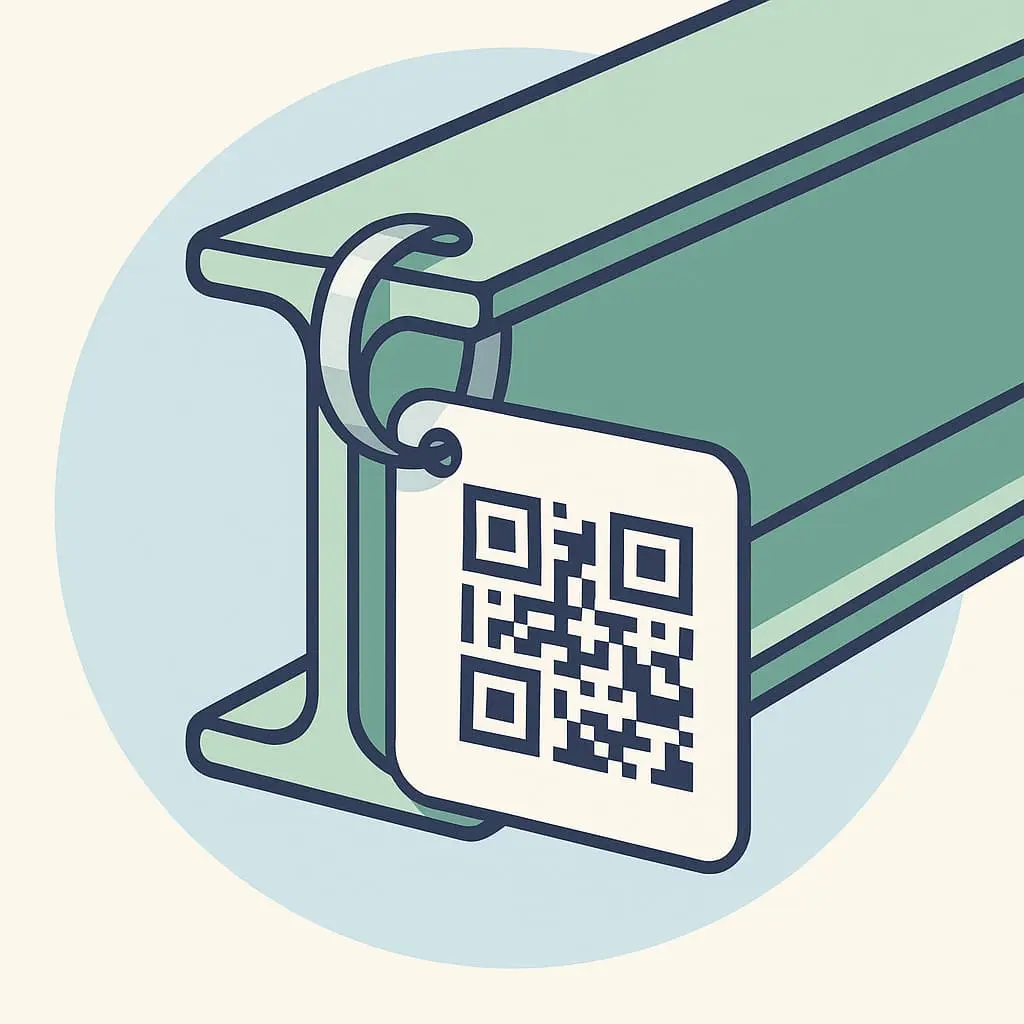
Identification that supports tracking
In a storage area or on the shop floor, the label provides a starting point for tracking the part.
Connect a physical part to its project reference so it can be found throughout its journey.
Use the QR code to find the part in Fabbim and follow the stages that concern it.
Keep the connection between identification in the field and the project’s 3D view.
Before choosing a label
Select labels and fixings around your parts and the operations they go through.
For galvanized parts, review the label, its fixing and readability after treatment with the Fabbim team before rolling it out.
Describe the planned stages, including galvanizing. Label performance and readability need to be checked under those conditions.
Review placement and fixing with your team, taking part geometry and handling into account.
Consider access to the reference, reading distance and the equipment used in the workshop or during loading.
Getting started
01
Find the project’s parts using IFC/Tekla data and prepare their identification.
02
Link each identifier to the relevant part and apply the selected label.
03
Scan the reference at the relevant fabrication, galvanizing, loading and delivery stages.
The QR code needs to be associated with the part in Fabbim. Identification, scanning and project tracking work together to provide traceability.
Describe the process, types of parts and fixing constraints. Label performance and readability after treatment need to be checked for your use.
Examples of parts, your current identification method, treatment stages and scanning equipment will help you discuss a concrete workflow.
Tell us about your current labelling and the route your parts take so we can review identification and scanning with Fabbim.