Start with your project data
IFC/Tekla imports provide the starting point for finding and tracking your project’s parts.
Prepare an IFC importFrom the model to delivery
Import IFC/Tekla data, identify parts and follow their journey by scanning. Fabbim connects fabrication, galvanizing, loading and delivery tracking with a 3D view of the project.
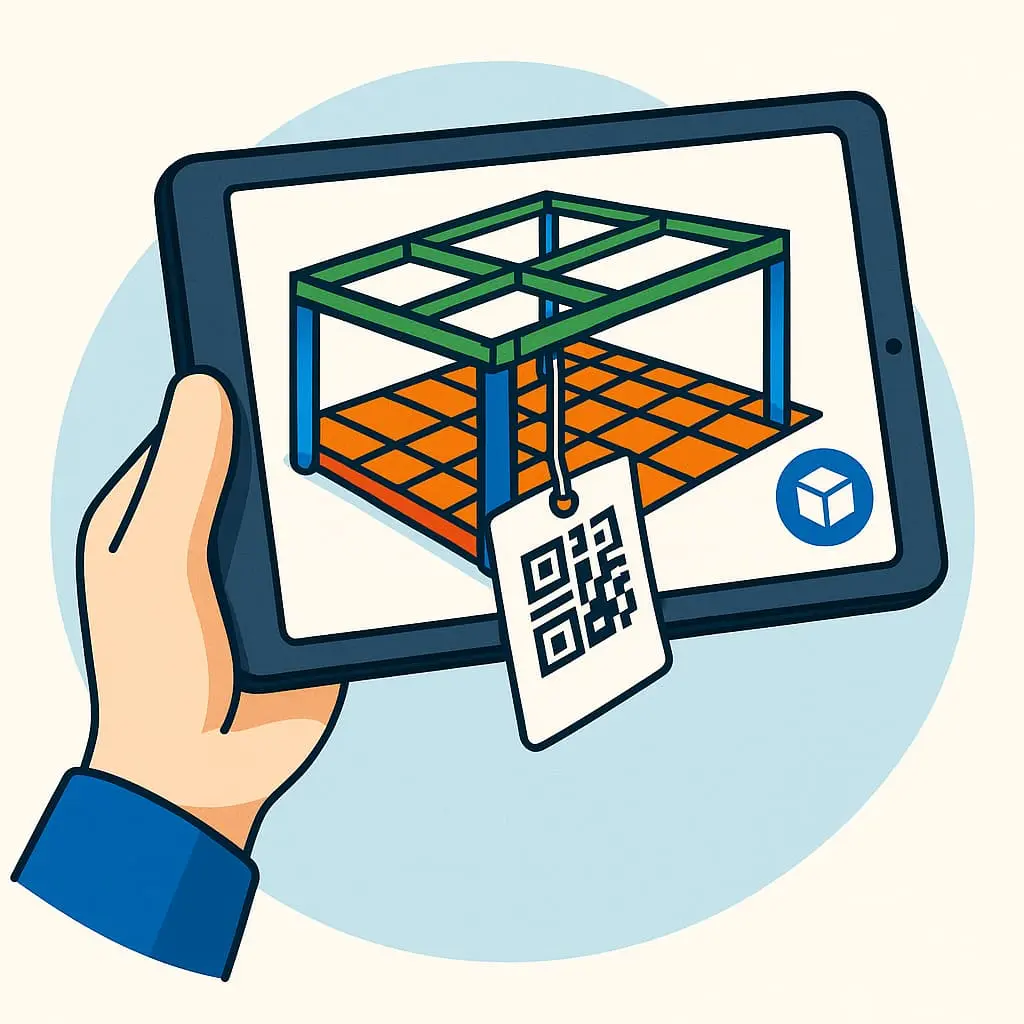
The project, the part, its progress
A part moves from design to fabrication, galvanizing and delivery. Its identification provides the link to follow that journey in Fabbim.
IFC/Tekla imports provide the starting point for finding and tracking your project’s parts.
Prepare an IFC importIdentification and scanning link a physical steel part to its tracking in Fabbim.
Explore part scanningThe 3D view helps you locate parts and assemblies within the model.
View an assembly in 3DHow it works
01
Bring in IFC/Tekla project data to prepare part tracking.
02
Link parts to their identifiers and prepare labels suited to their journey.
03
Scan parts to follow their progress in the workshop.
04
Find the parts involved in this stage and follow their journey.
05
Find the parts to load and follow the project’s loads.
06
Continue tracking through delivery while keeping the connection to the project.
Daily use
Connect model information with the part identification used on the shop floor.
Find a part by scanning and follow fabrication and galvanizing stages.
Follow parts as loads are prepared and deliveries are made.
With the way you work today: available IFC/Tekla data, part identification and the stages you want to track. A demo provides an opportunity to review these points with your team.
Tell us which stages matter most to your activity: fabrication, galvanizing, loading or delivery. These will guide your demonstration.
The choice depends on the parts, treatments and scanning conditions. Prepare this information so you can review identification and scanning with the Fabbim team.
Tell us about your activity, tools and the stages you want to follow. We can prepare a demonstration around your needs.