Why ordinary labels are not enough
A label that stays readable in a workshop may not withstand surface preparation, the zinc bath or handling. Heat resistance alone does not establish suitability for galvanizing. The tag material, marking process and attachment must be assessed together for the full treatment cycle.
Metal tags selected for the treatment
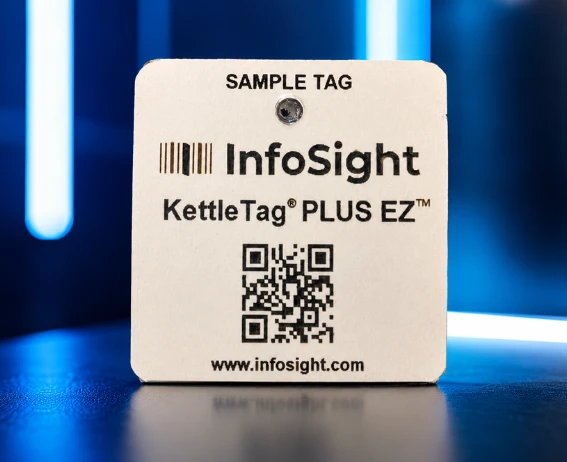
Fabbim presents InfoSight KettleTag PLUS EZ metal tags for identifying steel sent for galvanizing. Confirm the configuration for your process and run a representative trial before a production batch. Check where the mark will be accessible when the treated steel is returned.
Manufacturer specifications — InfoSight
QR code, DataMatrix and a readable steel mark
A 2D code provides access to data; a readable mark supports a manual cross-check. Choose QR code or DataMatrix according to the marking method, available area and reader. Confirm support in the scanning workflow and the link to Fabbim. The code format itself does not make a label heat resistant.
Which QR code should you use for hot dip galvanizing? →
Identify each assembly and its quantities
Distinguish the fabrication mark, which may describe several identical items, from the tracking identifier. Prepare the required number of tags for assemblies or individual parts. A tag on a bundle does not provide individual identification once that bundle is split.
Turn the IFC parts list into project-linked tags
Import the IFC file into the Fabbim ordering workflow, find the marks in the parts list and select quantities. Check component parts and the model revision before requesting a quotation. Project association is part of preparation: the tags received should match your approved selection.
Prepare an online order you can check
Open the ordering workflow, prepare your selection and submit a quotation request. Price and specifications are confirmed for the project. Keep the approved selection to reconcile delivered tags with the steel to be marked; no standard delivery time is assumed.